Follow, like, gift & join alerts, real-time leaderboards, and interactive widgets — straight into OBS or Streamlabs as browser sources. Free trial, no credit card.


Real screenshots straight from the app — not mockups. This is exactly what shows up in OBS.

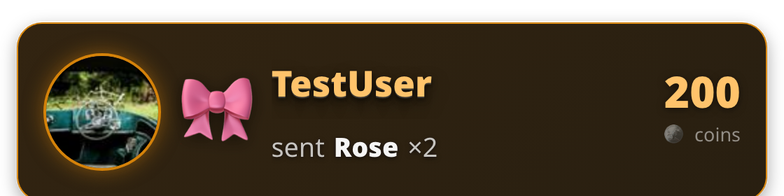
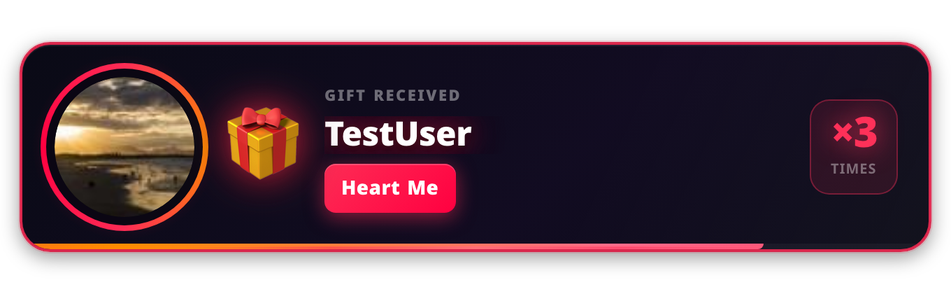
Animated card for every gift, fully skinnable.

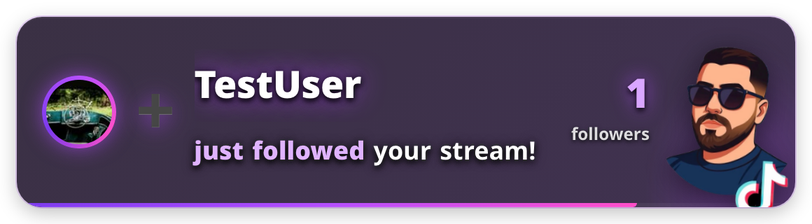
Celebrate every new follower live on-stream.

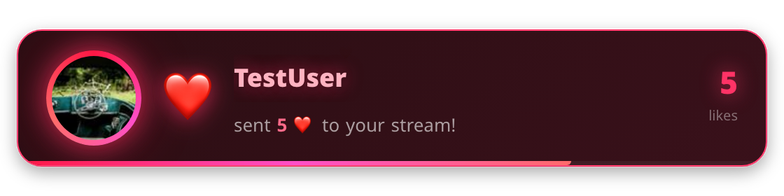
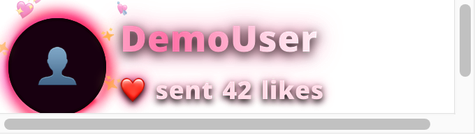
Shows off like bursts as they roll in.

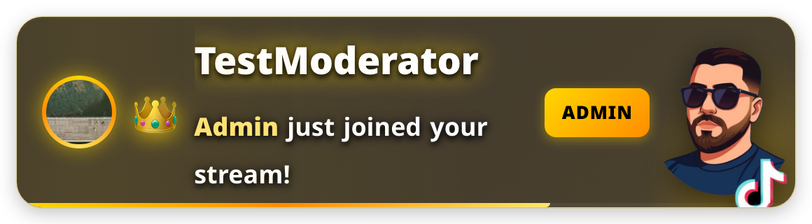
A gold-crown welcome for your moderators.

A bigger spotlight for your chosen signature gift.

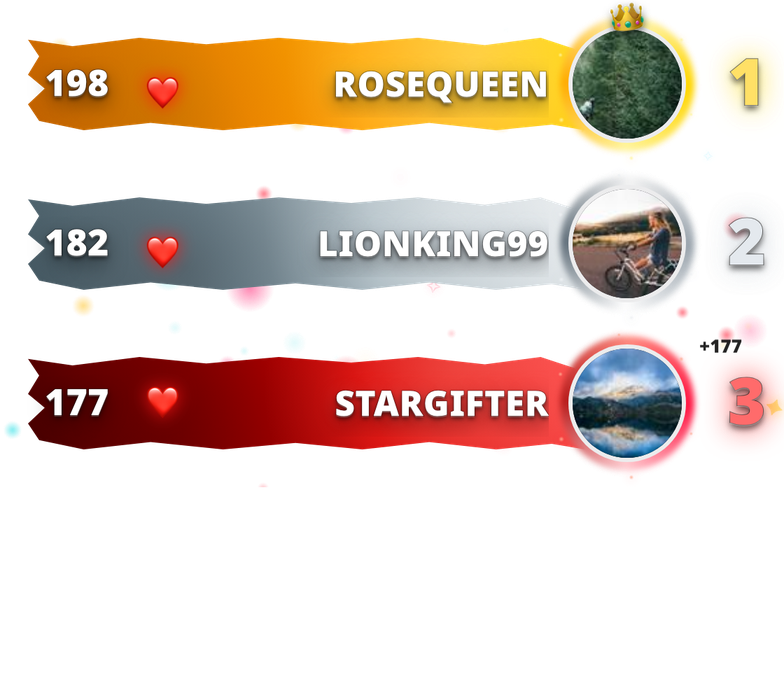
Live, ranked leaderboard with multiple visual styles.

Shows off whoever just liked your stream.

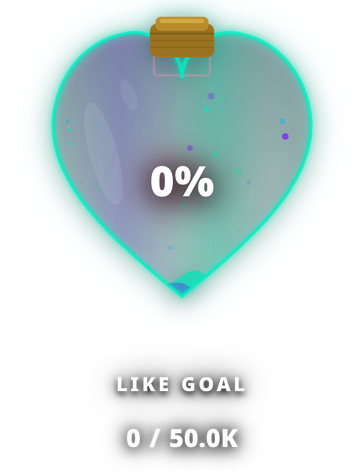
A progress bar that fills as viewers hit your target.
One app, one set of browser sources — no juggling five different overlay tools.
Run live battles and audience predictions directly on-stream.
Switch the app UI and widget language independently, with full RTL support.
Viewers earn points from likes, gifts and chat activity — with points!, rank!, and top! commands built in.
Trigger your own video/sound alerts on any gift, like threshold, or admin join — fully configurable.
Alerty isn't code-signed yet, so your OS will show a one-time warning on first launch. This is normal for independent apps — here's exactly what to click.
Open the downloaded .dmg and drag Alerty into your Applications folder.
Double-clicking will say "Alerty is damaged and can't be opened." This is a standard macOS warning for independent apps that aren't Apple-notarized — it is not actually damaged. Don't move it to Trash.
Open System Settings → Privacy & Security, scroll down — you'll see "Alerty was blocked." Click Open Anyway, then confirm once more. You only need to do this the first time.
xattr -cr /Applications/Alerty.app — then open it normally. This removes the browser's download quarantine flag, which is what triggers the warning.Run the downloaded .exe installer.
Windows SmartScreen will show "Windows protected your PC." This appears because the app is new, not because anything is wrong.
Click "More info", then click the "Run anyway" button that appears.
If you want to confirm the file wasn't tampered with in transit, compare its SHA-512 hash against the value electron-builder published with this release.